

Online math tutoring requires a stable internet connection, a computer or tablet with a camera, and a quiet space. You do not need expensive hardware, but you do need reliable connectivity to share work and see the tutor's screen. Got Math Tutoring provides the tools and guidance to ensure your setup works from day one.
Essential Hardware for Effective Sessions
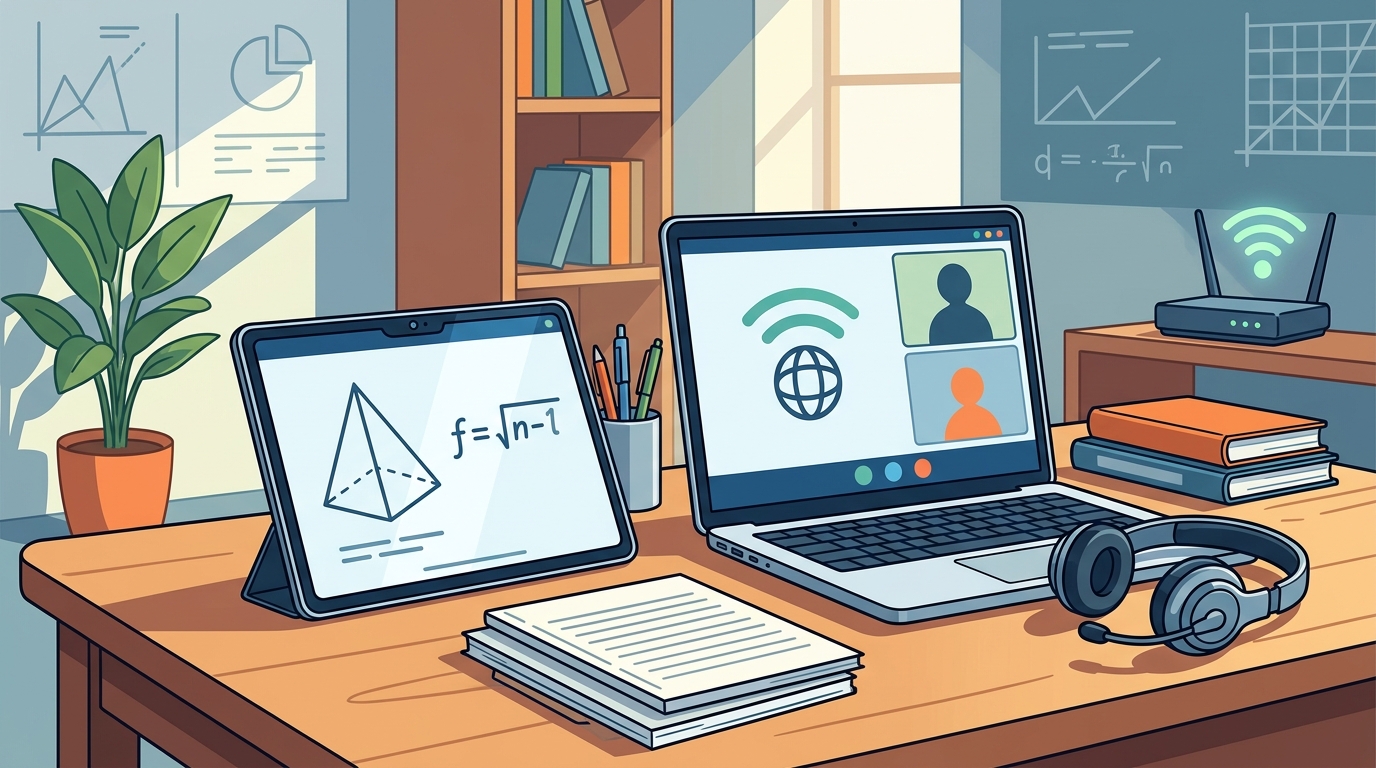
A webcam and microphone are mandatory. The tutor needs to see your work, and you need to hear their explanations clearly. If your device has built-in components, you are likely set. If not, a basic USB headset is a low-cost solution that significantly improves audio quality. Avoid using a smartphone as your primary device. The small screen makes it difficult to follow multi-step problem solving. A dedicated computer or tablet ensures you can view the shared screen without constant zooming and panning. For additional details, review the .
Internet Speed and Stability Requirements
Internet speed is the most common point of failure in online tutoring. You need a stable connection, not just a fast one. A minimum download speed of 5 Mbps is generally sufficient for standard video calls. However, for a smooth experience with screen sharing, 10 Mbps or higher is recommended. Upload speed is equally important. You need to send your video and audio to the tutor. A minimum of 3 Mbps upload speed is ideal. For additional details, review the Customer Experience.
Stability matters more than peak speed. A connection that fluctuates between 50 Mbps and 5 Mbps will cause constant freezing. Wired Ethernet connections are the gold standard for stability. If you must use Wi-Fi, sit close to the router. Avoid using public Wi-Fi or mobile data for sessions. These connections are often congested and unreliable. Run a speed test before your first session to verify your setup meets these benchmarks. For additional details, review the Frequently Asked Questions.
Software and Platform Requirements
The Learning Environment
Technology is only half the equation. The physical environment where you sit matters just as much. You need a quiet space free from distractions. Background noise interferes with audio clarity. It also breaks your concentration. Choose a room where you can close the door. A desk or table is necessary to hold your device and any physical materials. Good lighting is also important. The tutor needs to see your face and your work. Face a window or a lamp. Avoid sitting with a bright light behind you, which creates a silhouette.
Prepare your workspace before the session starts. Have your notebook, pencil, and calculator ready. If you are using a tablet, ensure it is charged. A dead battery mid-session is a major disruption. The goal is to minimize friction. You want to spend your time solving problems, not fixing technical issues. A prepared environment supports the cognitive load of learning math.
Troubleshooting Common Technical Issues
Technical glitches happen. Knowing how to fix them quickly keeps the lesson on track. The most common issue is audio dropouts. If you cannot hear the tutor, check your mute button. Ensure your microphone is not muted. Try switching to a different audio device. If the video freezes, check your internet connection. Restart your router if the problem persists. Screen sharing issues often stem from browser permissions. Ensure you have granted permission to share your screen. If the problem continues, try a different browser.
Communication is key during technical difficulties. Tell your tutor immediately if you are having trouble. Do not wait for the session to end. A brief pause to fix a technical issue is better than a lost hour. Most tutors are experienced with these problems and can guide you through a fix. Keep a backup plan. Have your phone charged and nearby in case your computer fails. This redundancy ensures you can continue the lesson even if your primary device crashes.
Key Takeaways
- A laptop or desktop computer is the best hardware for online math tutoring.
- A minimum of 5 Mbps download and 3 Mbps upload speed is required for stable video.
- Wired Ethernet connections are more stable than Wi-Fi for critical sessions.
- Use a modern, updated web browser to ensure compatibility with tutoring platforms.
- A quiet, well-lit room with a desk is essential for effective learning.
- Prepare your workspace and have a backup device ready to minimize disruptions.
Frequently Asked Questions
Do I need a high-speed internet plan for online tutoring?
You do not need the fastest plan, but you need a stable one. A plan with at least 10 Mbps download and 3 Mbps upload speed is ideal. Stability is more important than peak speed. A consistent connection prevents freezing and audio dropouts.
Can I use a tablet instead of a computer?
Yes, a tablet can work for online tutoring. However, a computer is preferred because of the larger screen and physical keyboard. A tablet is a good backup option. Ensure your tablet has a working camera and microphone.
What if my internet connection is slow?
If your internet is slow, try using a wired Ethernet connection. Move closer to your Wi-Fi router. Close other applications that use bandwidth. You can also ask your tutor to lower the video quality. This reduces the data required for the call.
Do I need to buy special software for math tutoring?
No, you do not need to buy special software. Most tutoring platforms use free, browser-based tools. You just need a modern web browser. Your tutor will guide you on which tools to use during the session.
How do I fix audio issues during a session?
Check your mute button first. Ensure your microphone is not muted. Try switching to a different audio device. If the problem persists, restart your computer or router. Tell your tutor immediately so they can help you troubleshoot.
Is a webcam required for online math tutoring?
Yes, a webcam is required. The tutor needs to see your face and your work. If your device does not have a built-in webcam, you can buy a basic USB webcam. This is a low-cost solution that ensures you can participate fully.
Conclusion
Setting up your technology for online math tutoring is straightforward. You need a computer, a stable internet connection, and a quiet space. These basic requirements ensure you can focus on learning rather than fixing technical issues. Got Math Tutoring is ready to help you get started. Our team will guide you through the setup process and ensure your first session runs smoothly. to schedule your free consultation and begin your journey to math confidence.